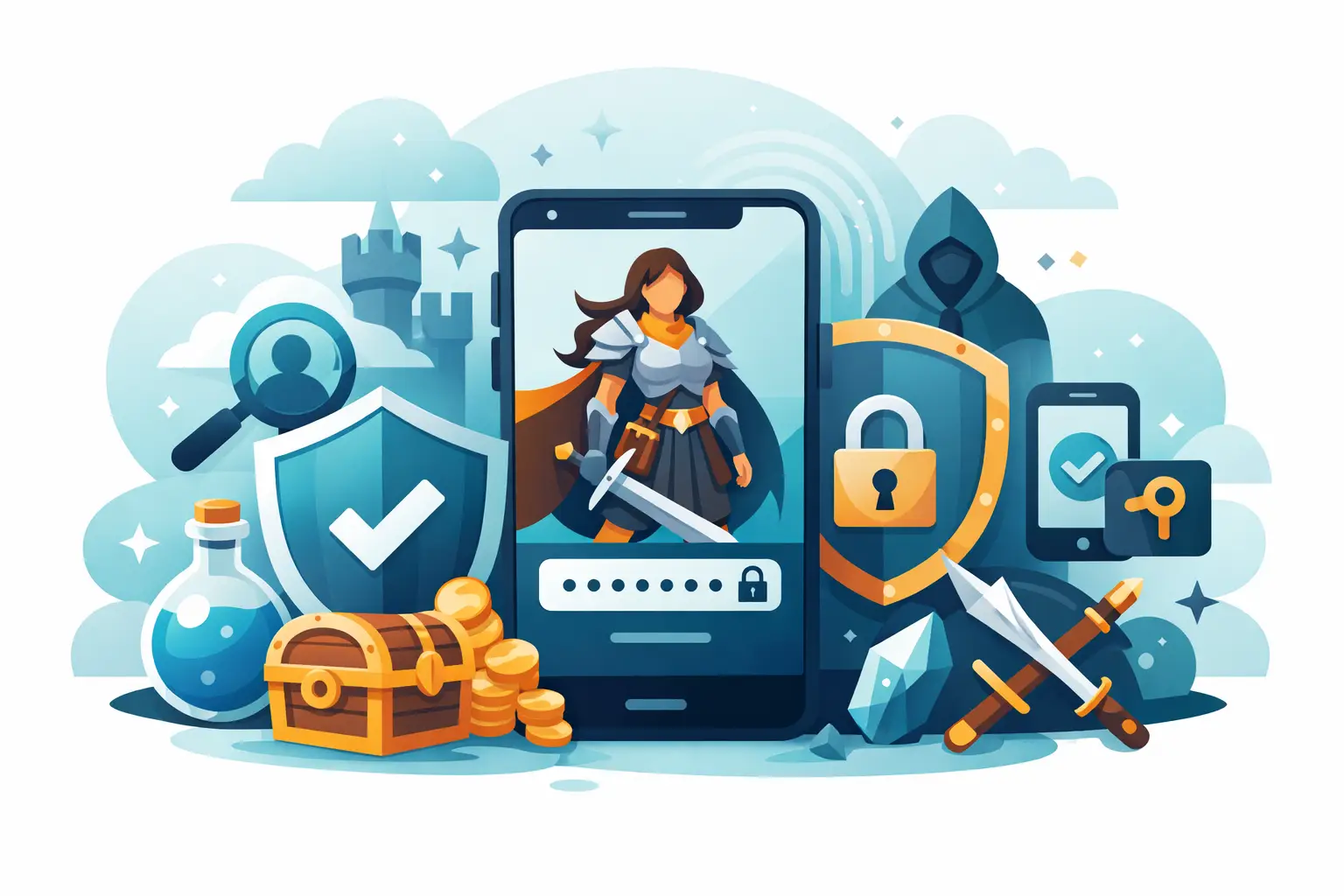
A lost account is more than a missing login. It can mean vanished characters, rare summons, hard-earned equipment, event rewards, and months of careful formation building. The best account security habits give your collection a shield before a stranger, a phishing page, or a compromised device gets close enough to take it.
For mobile RPG players, account security deserves the same attention as a raid formation. A powerful team is built through small decisions repeated over time. So is a protected account.
Best Account Security Habits Start With Your Email
Your game account is often only as safe as the email address attached to it. If someone controls that inbox, they may be able to reset passwords, intercept verification codes, and claim access to accounts you believed were secure.
Use an email address you can access reliably for the long term. Do not connect a valuable game account to a school, work, or temporary inbox that could disappear when your circumstances change. Make sure the email has a unique, strong password and two-factor authentication enabled.
Check that your recovery email and phone number are current as well. These details are easy to ignore until the day you need them. When that day comes, outdated recovery information can turn a simple reset into a long fight to prove that the account is yours.
If you use an email address for many games and services, treat it like a vault key. Never share its password, verification codes, or recovery links with anyone, even someone claiming to be a moderator, developer, or support agent.
Use Unique Passwords, Not Familiar Ones
Reusing a password is one of the quietest ways an account falls. A breach on an unrelated site can expose an old password, and attackers know many people will try the same credentials on game accounts, email providers, and social platforms.
Give your primary email, platform account, and each important game account different passwords. Long passwords are generally stronger than short, complicated ones that are difficult to remember. A memorable phrase with several unrelated words, numbers, and symbols can work well, provided you do not reuse it elsewhere.
A password manager is often the most practical answer. It can create long, unique passwords and store them without forcing you to keep a fragile list in your notes app or memory. The trade-off is responsibility: protect the password manager itself with a strong master password and its own two-factor authentication.
Do not send passwords through chat, screenshots, or social messages. Deleting a message does not guarantee it is gone. Someone may have copied it, captured it, or retained access to the conversation.
Turn On Two-Factor Authentication Where It Exists
Two-factor authentication, often called 2FA, adds a second barrier after your password. If a password leaks, a thief still needs the approval code or authenticator confirmation to enter.
Authenticator apps are usually stronger than text-message codes because phone numbers can be targeted through SIM-swap attacks. Text-message verification is still better than no 2FA at all, especially when it is the only option available. Use the most secure method your email provider, Apple ID, Google account, and game platform support.
Save backup codes in a secure place that is not your phone alone. A lost, broken, or replaced device should not lock you out of the account you are trying to defend. A password manager or an encrypted personal document can be suitable, depending on what you trust and can access safely.
Never give a 2FA code to another person. Real support teams do not need your password or active verification code to investigate a problem. Anyone demanding either is asking for the keys to your account.
Treat Free Reward Offers Like a Gate in the Dark
Scams are designed to create urgency. They promise free premium currency, exclusive characters, early access, account restoration, or a secret giveaway that will disappear if you do not act immediately. The goal is not generosity. It is to lure you onto a fake login page or convince you to hand over account details.
Be especially cautious with messages that arrive through social media, Discord, email, comments, or in-game-style direct messages. A familiar logo and official-sounding name are easy to imitate. Misspelled domains, strange wording, pressure tactics, and requests to log in outside the official app or site are warning signs.
Never enter your credentials into a page reached through an unsolicited message. Instead, open the official game or platform app yourself and check for announcements there. If an offer is real, it should not require you to surrender control of your account to claim it.
The same caution applies to account buying, selling, boosting, and currency services. These arrangements can expose you to theft, chargebacks, banned accounts, and recovery disputes. The rare Familiar offered by a stranger may carry a cost far greater than its price.
Keep Your Phone From Becoming an Open Door
Mobile games travel everywhere with you, which makes device security part of account security. Use a strong phone passcode, biometric lock, or both. Avoid simple patterns and obvious PINs such as birthdays. Set your screen to lock automatically after a short period.
Install operating system updates and game updates when they become available. Security patches often fix weaknesses that are invisible until someone exploits them. Download games only from official app stores, and avoid modified apps, unofficial APK files, cheats, or tools that promise impossible advantages. Those files can contain malware built to steal login data or payment information.
Public Wi-Fi is not always dangerous, but it demands judgment. Avoid logging into important accounts or making purchases through networks you do not trust. If you must use public Wi-Fi, do not ignore certificate warnings or unusual login prompts. A familiar connection should not suddenly demand secrets it never requested before.
Before selling, trading in, or giving away an old phone, sign out of accounts and erase the device properly. Removing the game icon is not the same as removing your data.
Protect the Human Side of Your Account
Not every account loss begins with malware. Sometimes it begins with a friend borrowing a phone, a shared tablet left unlocked, or too much information posted publicly.
Do not share your login, even with people you trust. Intentions can change, devices can be lost, and a shared password is difficult to take back without changing it everywhere. If a household shares a device, use separate phone profiles or make sure each person signs out of personal accounts when finished.
Be careful about what screenshots reveal. A player ID, connected email fragment, order number, support ticket, or recovery screen may seem harmless alone. Together, those details can help someone impersonate you during an account recovery attempt. Share your victories, formations, and rare pulls without posting private account information.
This matters in competitive communities, too. Rivalry should remain in the arena. No legitimate player needs your verification code to inspect your team, help with strategy, or prove that you own a Warlord.
Review Connected Accounts and Purchases
Many mobile games allow sign-in through Apple, Google, Facebook, or another linked platform. These connections can be convenient, but convenience needs maintenance. Periodically review which accounts are linked and remove connections you no longer use. Make sure you know which login method is actually attached to your progress before switching phones or reinstalling an app.
Keep purchase receipts and major account records somewhere safe. They may help support verify ownership if a recovery case occurs. Do not post complete receipts publicly, since they can include transaction details that should remain private.
Use purchase authentication on your device, particularly if others can access it. This prevents accidental spending and makes it harder for someone with temporary access to make unwanted purchases. Families may need different settings than a single-player device, but every setup should make approval clear.
What to Do If Something Feels Wrong
Act quickly if you see an unfamiliar login alert, password-reset email, new linked account, missing currency, or message sent from your profile that you did not write. Change the password for your email first, then change the password for the affected platform or game account. End active sessions where the service allows it, review linked devices, and enable or reset 2FA.
Document what happened with dates, screenshots, transaction records, and account identifiers. Then contact official support through the game or platform's verified channels. Do not accept recovery help from strangers in comments or private messages, especially if they ask for payment or credentials.
For players building a long-term roster in Blood Legends, this preparation protects more than individual Familiars. It protects the choices behind them: the contracts made, the teams tested, and the victories earned against a world closing in around the Gates.
Your account does not need paranoia. It needs a few deliberate defenses, maintained before trouble arrives. Build them now, and let your attention stay where it belongs: on the next battle waiting beyond the dark.